English
EN


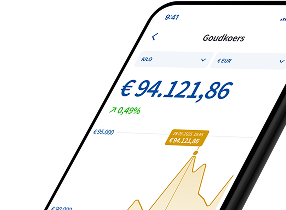
You can directly create a joint account for you and your partner via the Holland Gold app, or by logging in on the website.
Do you not yet have your own storage account with Holland Gold? First create an account and select ‘Verify account’. During this process, you can choose to open a joint account.
Do you already have your own storage account with Holland Gold? You can then open an extra storage account from your existing account and choose a joint account. Read more on our page about opening an extra account.
Via the website:
Via the app:
With a joint account, both account holders have full access to the account. Both account holders can make purchases and sales.
If you do not want someone to have full access to your storage account, but you do want to authorise that person, please see our frequently asked question about how to authorise someone for your storage account.