English
EN


You can change your account details by logging in to the website. Log in and go to ‘Settings’ in your account. Here you can select:
If so, under ‘Settings’ you can additionally select:
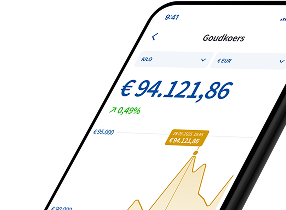
Via the Holland Gold App: open the Holland Gold App and click the profile icon in the top right-hand corner to access your account details. You can change a limited number of details in the app.